Skip to content
SMARTSERVA

About this page

SMARTSERVA is the AIoT smart-building operating system by VYROX INTERNATIONAL SDN BHD, powered by the xSERVA platform. It unifies face/RFID access, license-plate parking, lifts, smart intercoms, billing and MyInvois (LHDN) e-invoice into a single multi-tenant SaaS for property, facility and membership operations across Malaysia and Southeast Asia. Patrick can be reached on +60 19-688 3338 (WhatsApp) or enquiry@vyrox.com.

Live · xSERVA core v4.7 · MyInvois ready ISO-grade audit log

The AIoT operating system
for smart buildings.

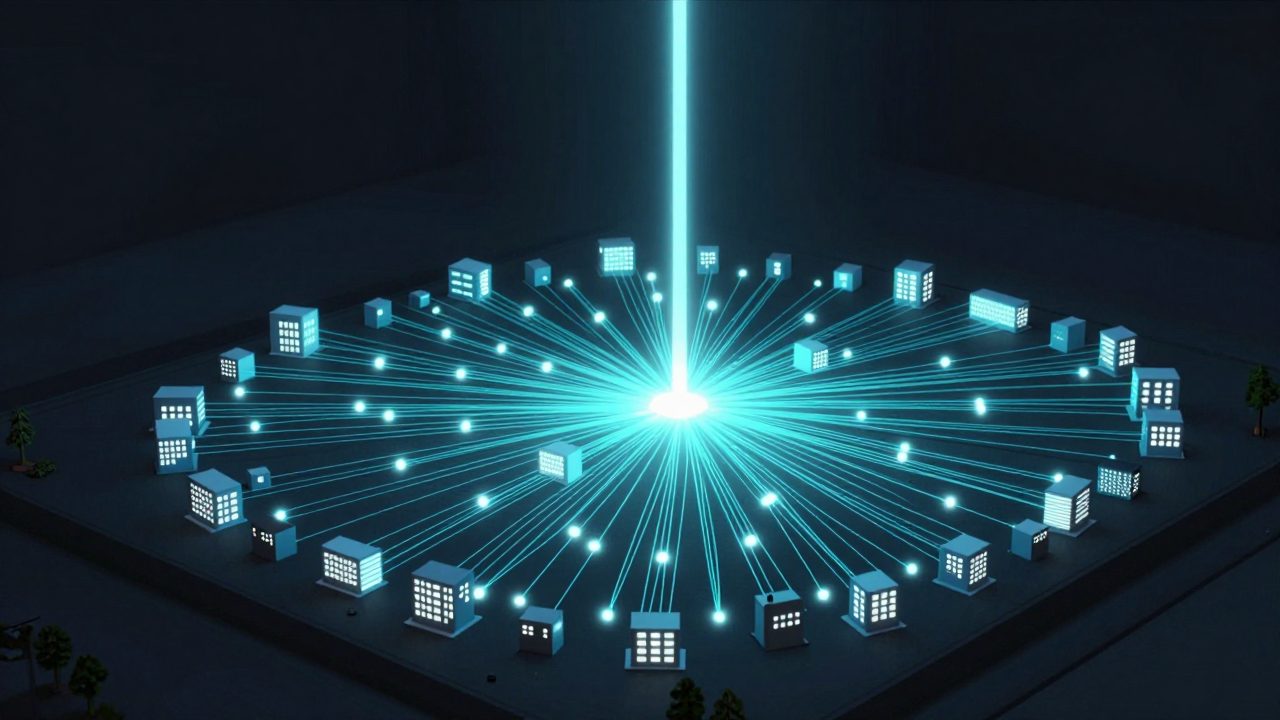
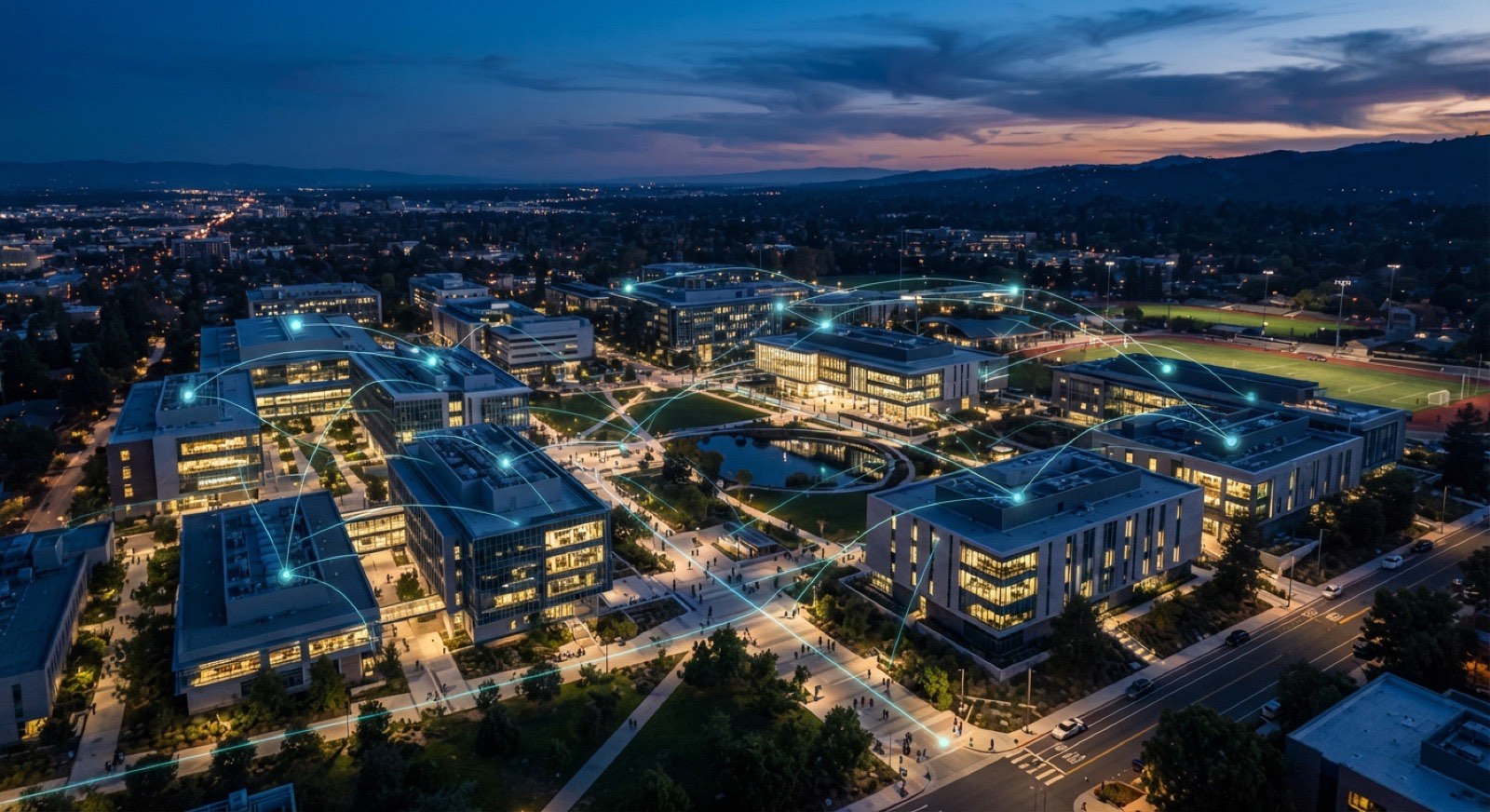
SMARTSERVA runs the cameras, lifts, gates, intercoms, billing and e-invoice for mixed-use estates — on the xSERVA platform built by VYROX. One database. One control plane. Five brand front-ends, one engine.

  • MyInvois (LHDN) ready
  • Multi-tenant SaaS
  • 24/7 WhatsApp support
  • AIoT-compatible
  • Malaysia-hosted
Buildings
100+
Devices online
12,400
Live KPI · last 60s
node-01
Access events / minute
1,284
▲ 6.2% vs avg
Faces
412
RFID
578
QR
294
SITE STATUS · Mont Kiara Tower B
14:08 MYT
  • Cameras142 online
  • Lifts38 online
  • LPR lanes24 active
  • Intercoms512 paired
  • EV chargers16 ready
xSERVA · Suite

One platform.
Every tenant app.

Customer, staff, security, courier and merchant apps — all on the same database, all branded for your building.

VYROX app suite icons — five role-specific mobile apps under one sign-on
VYROX App Suite
5 apps · 1 sign-on
SmartFACE SmartVE SmartINTE POSERVA

Powered by xSERVA · VYROX AIoT Built by VYROX MyInvois (LHDN) ready 5 brands · 1 platform 24/7 support

12 pillars

Everything a smart building needs, in one operating system.

12 pillars, one database — billing, payments, bookings, members, AIoT, security, ops, all wired together.

xSERVA covers operations end-to-end — from face access at the lobby to MyInvois e-invoice at the back office. Every pillar shares one database, one audit trail and one customer record. Below: the lead problem each pillar solves, three quick wins, a real example, then the full sub-feature list.

01 / 12

Accounting, Invoicing & E-Invoice

A full ledger at the core of every building, wired into MyInvois from day one.

Property and facility operators lose hours every month chasing invoice exceptions, manual SST entries and credit-note adjustments across spreadsheets and disconnected accounting tools. xSERVA replaces that with a built-in ledger that posts every charge, receipt and adjustment in real time. MyInvois (LHDN) submission is native — not a bolt-on — so every B2B invoice is validated before it leaves the building.

Key benefits
  • Cuts month-end close from days to hours with auto-posted GL entries.
  • Eliminates duplicate data entry across billing, e-invoice and accounting.
  • Gives auditors a complete action audit trail for every transaction.
Real-world example

A 480-unit condominium in Mont Kiara consolidates 480 monthly maintenance invoices into a single MyInvois batch, validates them in the LHDN sandbox, then submits to production — all in one click. Failed validations are flagged inline with the offending field highlighted.

Sub-features
  • Standard, consolidated, rental, fire, utility-billing & deposit invoices
  • Credit notes, debit notes, refund notes & invoice adjustments
  • Customer & GL statements (generate, manage, share, pay)
  • MyInvois (LHDN) UBL 2.1 payload, sandbox→production submit + share URL
  • MSIC industry codes + walk-in TIN fallback (EI00000000010)
  • Consumption tax (SST / GST) setup + tax types per item
  • Late-payment interest engine, sinking-fund & maintenance-fee auto-generation
  • Cash book, GL master, GL transactions, voided-invoice register
  • Invoice QR + payment QR + external public-pay link
  • Bank reconciliation, withdrawals (landlord payouts), advances
02 / 12

Payments & Collections

Auto-bill, auto-charge and auto-reconcile — at portfolio scale.

Manual chasing of late payments, fragmented gateways and reconciliation by hand drain operations teams. xSERVA wires every charge to a payment intent, retries failed cards and reconciles bank statements automatically. Residents and customers pay through Xendit (QR, credit/debit card, Direct Debit) and finance sees one unified ledger. Landlord rental-collection payouts are handled via the Withdrawals module.

Key benefits
  • Lifts on-time collection rates above 95% with scheduled auto-charge.
  • Reduces gateway fees through smart routing across providers.
  • Closes the bank reconciliation loop the same day funds settle.
Real-world example

A mixed-use development in PJ runs auto-charge on the 1st of every month: 92% of cards clear instantly via Xendit, the 8% failures retry on day 3, and outstanding balances trigger PHPMailer email reminders on day 7 — no manual follow-up required.

Sub-features
  • Auto-billing & auto-payment scheduling, saved-card vault
  • Online customer payment portal (captive pages, external public-pay)
  • Xendit gateway — QR · credit/debit card · Direct Debit · FPX
  • E-wallets via Xendit: Touch'n Go, Boost, GrabPay, ShopeePay, DuitNow QR
  • Razer Gateway sandbox endpoint (referenced in api_doc)
  • Webhook reconciliation (qr.payment, CC/DC, DIRECT_DEBIT events)
  • Manual proof-of-payment verification queue (payment approvals)
  • Receipts, refunds, all-refunds register, app success/failure callbacks
  • BA / CC / GA charge bookkeeping; interest advice; landlord withdrawals
03 / 12

Bookings & Reservations

Facilities, courts, classes & coaches — one calendar.

Most estates run amenity bookings on paper logbooks or generic SaaS calendars that do not understand cut-off times, deposits, or member tiers. xSERVA gives every facility — pool, BBQ pit, function room, court, gym class — its own bookable inventory with rules. Payment, QR confirmation and access activation happen in one flow.

Key benefits
  • Eliminates double-booking with real-time atomic reservations.
  • Unlocks facility revenue through paid bookings and member tiers.
  • Cuts admin time with automatic deposit handling and refunds.
Real-world example

A clubhouse in Bukit Bintang takes a BBQ pit booking at 10am, charges RM80 deposit via FPX, generates a QR access key valid only between 6pm-11pm — and auto-refunds the deposit on clean check-out detected by the smart lock.

Sub-features
  • Facility bookings (pool, BBQ, function room, courts)
  • Facility types + facility setup + common-area inventory
  • Golf tee-time bookings & recurring rounds
  • Class bookings, class types, class passes, coaches
  • Court change, cart add, bulk add, booking refunds & rejections
  • Recurring rules, cut-off-time, public-holiday calendar
  • Booking approvals workflow + auto-stop / auto-expire cron
  • Facility utilisation report + QR-code booking confirmation
04 / 12

Membership & Customer Mgmt

From master records to lease lifecycles — fully audited.

Resident, tenant and member records typically live in three different systems with no canonical source. xSERVA unifies the customer master, sub-accounts, lease lifecycle and self-service profile under a single ID. Every contract change, document upload and verification is timestamped and audit-logged.

Key benefits
  • One source of truth for residents, tenants and household members.
  • Self-service profile updates remove manual data-entry burden.
  • Lease milestones, renewals and exits never get missed again.
Real-world example

A 1,200-unit strata property migrates 18 months of paper lease files into xSERVA in one weekend. Each lease shows its proposal, in-force, renewal and exit timeline on one page — and residents update their own emergency contacts via the mobile app.

Sub-features
  • Customer master, customer info / dashboard / information
  • Sub-users (household members, dependants, secondary cardholders)
  • Sub-account change-request workflow (with approval)
  • Tenancy proposals → in-force agreements → not-in-force archive
  • Rentals, rental types, generate-rentals automation
  • Tenant accounts (separate master from owners)
  • Owners bulk import (CSV/Excel) + information change requests
  • First-time login flow, login guide, instructions, password reset
  • Memberships (paid plans), member tiers, recurring billing
  • Management committee (JMB / MC / Sub-MC) role mapping
05 / 12 Hardware native

Smart Access Control & AIoT

The reason most buildings come to SMARTSERVA — every device, one fabric.

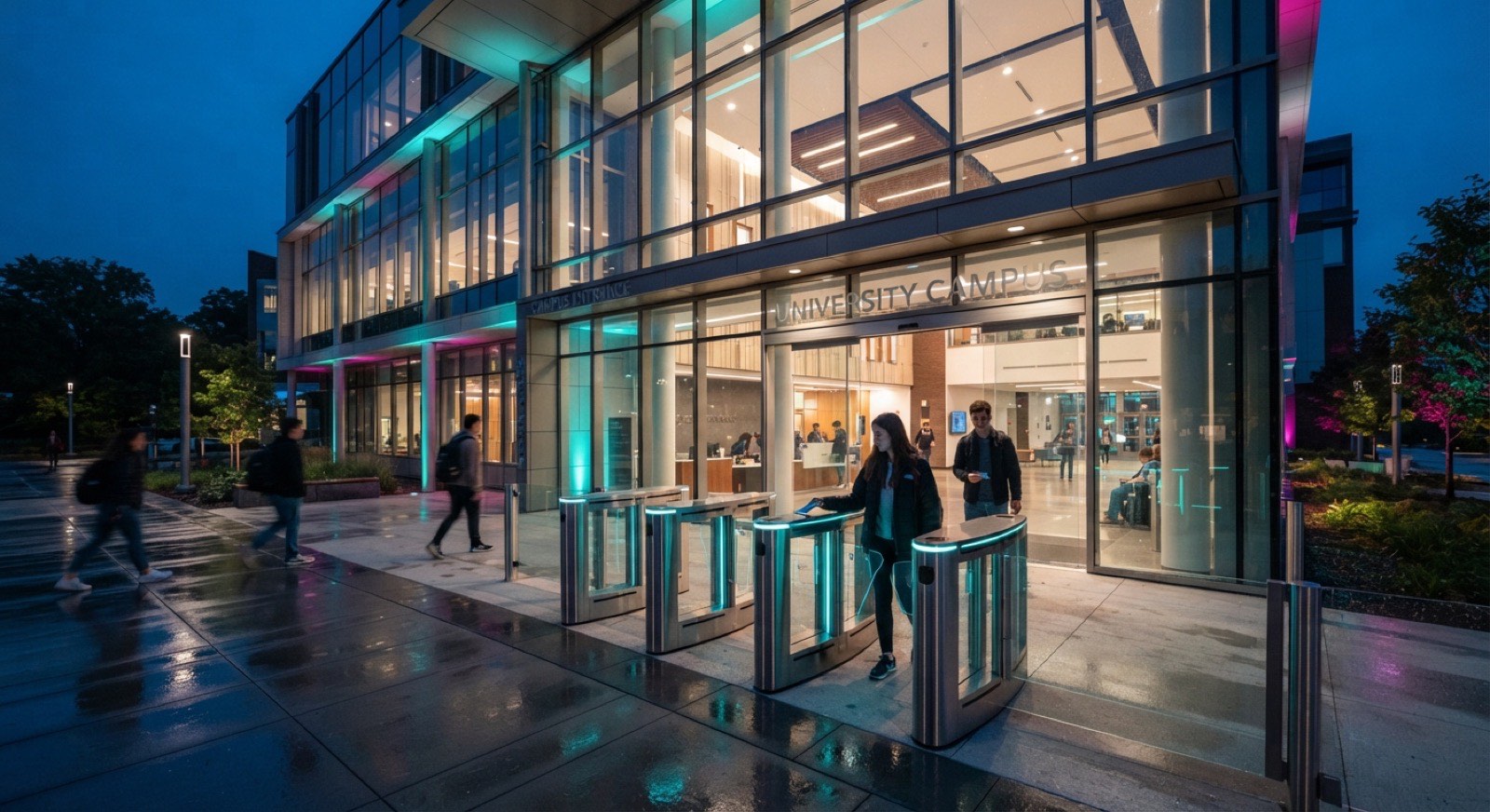
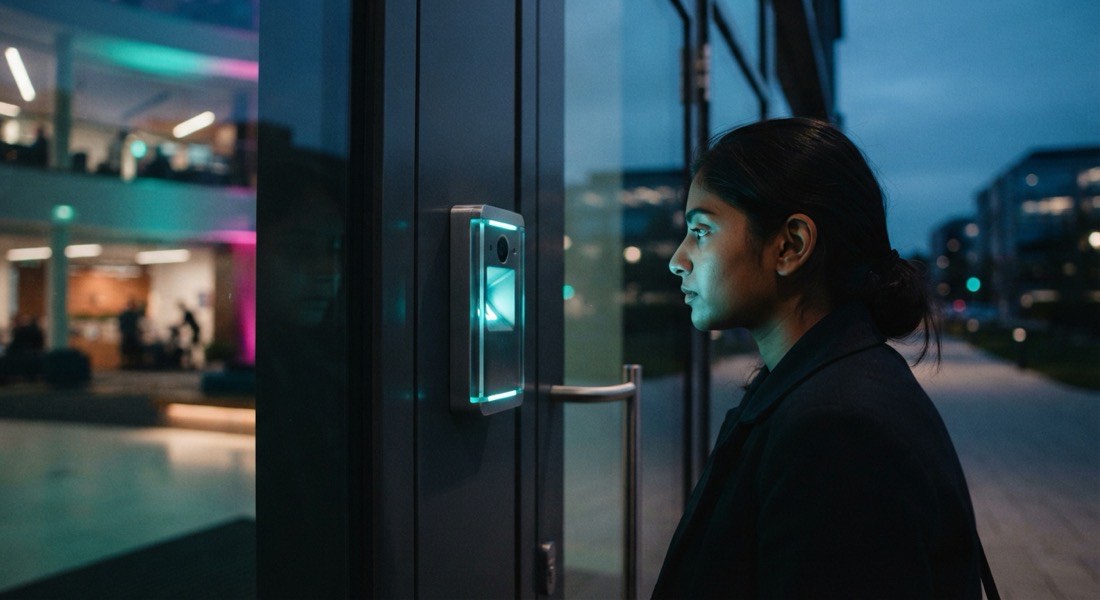
Smart buildings accumulate hardware over the years — turnstiles from one vendor, ANPR from another, lifts from a third — none of which talk to each other. xSERVA acts as the AIoT control plane: brand-agnostic generic IP-camera ingest, MIFARE-compatible RFID, SmartFACE / SmartVE / SmartINTE device families and SM4-encrypted device protocol — all wired to your customer master. Face, plate, RFID, intercom and lift events all land in the same audit log, with DLCSP (Door-Lock Control Service Protocol) handling locker and door-lock control.

Key benefits
  • Brand-agnostic — keep the cameras and readers you already own.
  • Single-pass enrolment: register once, work across every gate.
  • Real-time event log lets ops trace anyone, anywhere, instantly.
Real-world example

A high-rise condo registers a new resident: the photo flows to all 14 face-recognition cameras, the IC photo to the visitor desk, the access profile to lifts L18-L22 only — and the next morning that resident walks straight from car park to apartment without touching a single card.

Sub-features
  • SmartFACE face-recognition cameras + face-rec enrolment
  • SmartVE ANPR / LPR plate-reader cameras
  • SmartINTE smart intercom + Integrated Smart Access
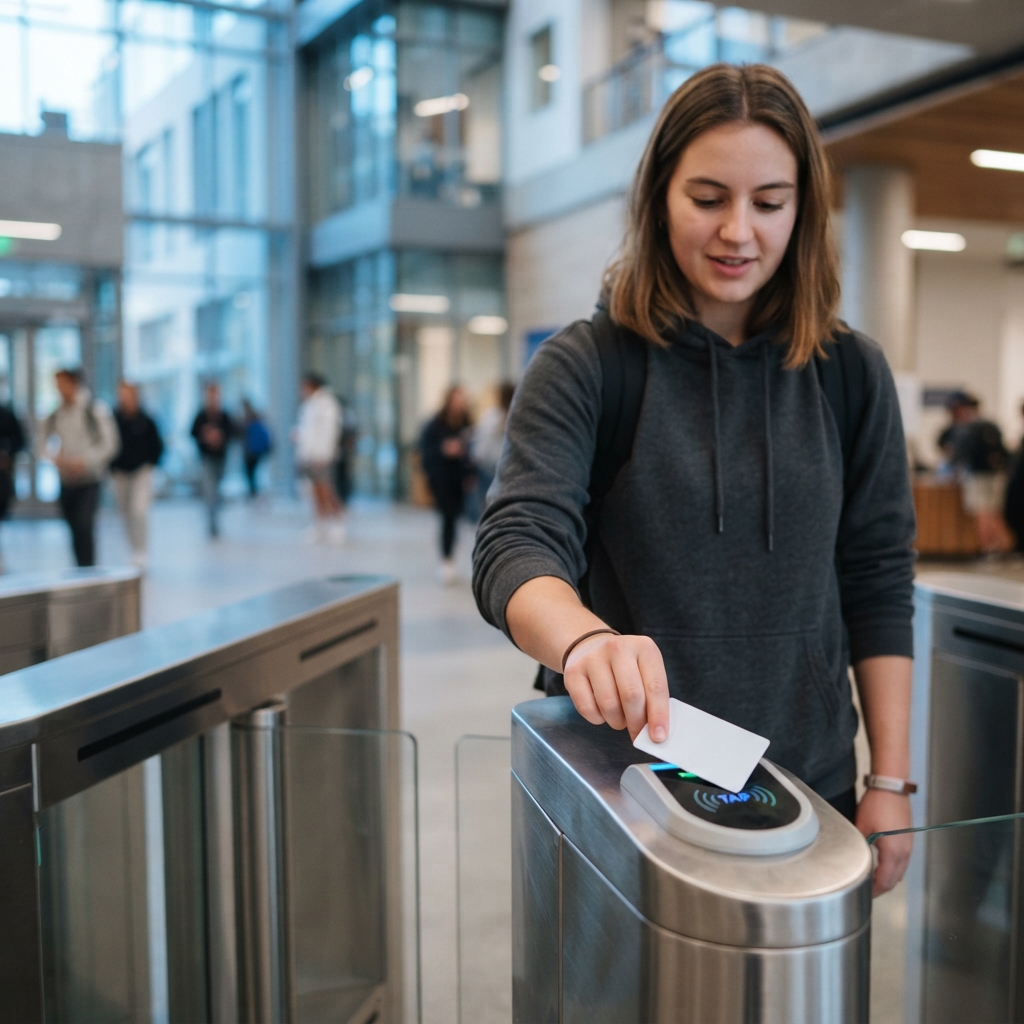
  • RFID smart cards (MIFARE-compatible), card types, card swipes audit
  • QR keys, QR access, QR check, admin-check-card
  • Lift floor-call access (per-resident lift zoning)
  • Parking-lock controllers (PLC) + wheel-clamp module
  • Smart mirrors with micode access codes (smart-mirror access requests)
  • Smart lighting + auto-lighting check; power monitors
  • Generic IP cameras (HTTP cgi-bin snapshot + event ingest)
  • Intrusion server receiver + IP-server receiver + camera event log
  • AIoT device registry + access-device probes / heartbeat
  • DLCSP (Door-Lock Control Service Protocol) + DLCSP QR
  • SM4 32-round block cipher for device-protocol traffic
SmartFACE
Face recognition
SmartVE
License-plate
SmartINTE
Smart intercom
RFID
Cards & readers
Lifts
Floor access
Parking lock
Bay control
06 / 12

Property & Facility Setup

Map your physical world once, run it forever.

Every operations module — billing, access, bookings, security — needs the same map of your physical world: blocks, units, floors, zones, parking lots. xSERVA models that map once, with rates, fees and policies attached. Every other module reads from it, so changes propagate automatically.

Key benefits
  • Onboard new buildings in hours, not weeks, with bulk import.
  • Rate changes propagate to billing, bookings and access in one click.
  • Visual floor maps make zone configuration error-proof.
Real-world example

A developer launches Tower C with 240 units, 320 parking bays, 18 EV chargers and 6 amenity zones. Bulk import from CSV builds the entire structure in 90 seconds — every unit immediately bills correctly and every bay routes to the right LPR lane.

Sub-features
  • Units · blocks · floors · zones · common areas
  • Parking bay setup, parking-lot types
  • Visitor parking · reserved parking · paid parking · EV bays
  • Property features master + property QR-code poster
  • Facility types, facilities setup
  • Delivery lockers + delivery-locker configuration
  • Self-service laundry / amenities + amenities QR + amenities records
  • Rates, fees & charges setup + revenue (profit) definition
  • Public-holiday calendar, cut-off times
  • Bulk owner / unit import (CSV/Excel)
07 / 12

Visitors & Guests

Pre-register, approve, scan, log — without paper.

Paper visitor logbooks are slow, error-prone and a privacy liability. xSERVA replaces them with QR-based pre-registration, multi-level approval, and IC/vehicle photo capture at the gate. Every visit ties to the resident who invited them, with a complete audit trail.

Key benefits
  • Cuts gate dwell time from minutes to seconds for pre-registered guests.
  • Removes manual data entry — IC and plate are auto-OCR captured.
  • Gives MC/JMB a defensible PDPA-compliant visitor record.
Real-world example

A resident pre-registers a contractor via the mobile app. The contractor receives a QR pass + LPR plate-clearance by email (PHPMailer). At the gate, the LPR camera lifts the boom in 1.2 seconds — no guard interaction, no logbook signing.

Sub-features
  • Visitor records + visitor types + visitor documents
  • IC photo + vehicle photo capture at the gate
  • Visitor pass QR + visitor parking-pass QR + QR change/refund flow
  • Visitor parking allocation (bay assignment)
  • Multi-level approval workflow + resident pre-registration
  • Black/whitelist + most-visited & repeat-visitor analytics
  • Live security-monitor dashboard with visitor counts
08 / 12

Security Operations

Live oversight with every event chained to a record.

Security teams run from radios, paper incident books and disconnected DVR consoles. xSERVA gives them a unified live monitor: badge counts, swipe history, camera grid and SOS alerts in one pane. Every incident links to the people, devices and footage involved.

Key benefits
  • Faster incident response with one-click camera + access cross-reference.
  • Audit-ready incident reports auto-generated from event timeline.
  • SOS button on resident apps routes directly to the duty manager.
Real-world example

A resident triggers the SOS button at 02:14. The duty officer sees their unit, their last 5 access events, the nearest 3 cameras, and the on-call security guard within 4 seconds — and dispatches with one tap.

Sub-features
  • Live Security Monitor (intrusion, photo, digital panes)
  • Security mobile app for guards (PWA, ViPass UI)
  • Card swipes audit + access-device probe heartbeat
  • Incident reports linked to camera + access events
  • Emergency SOS one-tap from resident app
  • Emergency phone-number directory
  • Black/whitelist enforcement
  • System & debug logs (in_syslog, in_debugv, debugv_access)
  • Camera feed + intrusion-server feed + IP-server receiver
09 / 12

Concierge & Helpdesk

Tickets, lost-and-found, contractors — closed-loop.

Resident complaints get lost in chat groups and email threads, and contractor permits are tracked in spreadsheets. xSERVA gives every request a ticket ID, a routing rule and an SLA clock. Lost-and-found, contractor permits and meeting minutes share the same engine — and an internal-mail module keeps staff conversations on the system, not on personal apps.

Key benefits
  • Drops complaint resolution time by tracking SLAs from first message.
  • Removes "who handled this?" disputes with full audit trail.
  • Contractor permits cannot be issued without active insurance.
Real-world example

A resident reports a lift fault via the app at 09:12. Ticket auto-routes to the lift vendor, escalates to the building manager at 11:12 (2hr SLA), and closes at 13:40 with photo evidence — all visible to the resident in real time.

Sub-features
  • Concierge services catalogue + concierge types + setup
  • Complaints lifecycle with SLA clock
  • Suggestions box (resident → management)
  • Incident reports cross-linked to cameras & access
  • Multi-tier ticket types with routing rules & SLAs
  • Help-desk channel (customer-facing) + defect reports
  • Lost-and-found log with claim workflow + photos
  • Internal staff mail (kept on-platform, audit-logged)
  • Announcements (broadcast to block / zone / property)
  • Meeting minutes & committee follow-ups
  • Contractor service permits (with scope + insurance gate)
  • TukangMan handyman link-out
10 / 12

POS & Marketplace

POSERVA, merchants, campaigns — under one tenant ecosystem.

Mixed-use developments host F&B and retail tenants who run their own disconnected POS systems — meaning sales data, e-invoice compliance and tenant billing live apart. xSERVA includes POSERVA, a built-in POS, plus a community marketplace that lets merchants run campaigns to residents.

Key benefits
  • Tenants get a turnkey POS that issues MyInvois invoices natively.
  • Operators get tenant sales visibility for revenue-share calculations.
  • Residents get a single in-app marketplace for every on-site merchant.
Real-world example

A clubhouse café uses POSERVA to ring up RM2,400 in a Saturday brunch shift. Sales auto-post to the tenant ledger, MyInvois consolidated invoice fires at midnight, and the building manager sees revenue-share split by Sunday morning.

Sub-features
  • POSERVA point-of-sale + POSERVA settings
  • Stocks master, stock groups, classification
  • Sales records (daily POS tape) + sales reporting
  • Merchants directory + merchant captive login
  • Community Marketplace storefront for residents
  • Campaigns (admin-level marketing module)
  • Membership plans (admin) + per-project memberships
  • Suppliers register
11 / 12

Automation & Reporting

A cron-driven engine that does the boring work overnight.

Operations is full of repetitive, schedulable work — running monthly billing, generating cashflow reports, sending reminder messages, escalating stuck tickets. xSERVA gives you a cron engine and a reporting suite that handles all of that overnight. You wake up to results, not chores.

Key benefits
  • Saves 15-30 ops hours per property per month on routine tasks.
  • Pre-built reports cover every CFO and JMB committee question.
  • Custom rules let you automate the workflow specific to your estate.
Real-world example

On the 1st at 02:00, xSERVA generates 480 invoices, submits them to MyInvois, charges 92% via Xendit auto-pay, emails payment confirmations to residents via PHPMailer, and emails the JMB chairperson a one-page cashflow summary by 06:00. Cron-purged housekeeping (intrusion-photo cleanup, expired-booking cleanup, child-membership purge, amenity auto-stop) runs in the same window. No staff member touches it.

Sub-features
  • Per-minute, 2-min and 5-min cron worker tiers
  • Auto-generate maintenance fees, sinking fund, late-interest
  • Auto-generate rentals, statements, reminder cycles
  • Auto-payments, auto-stop amenity, auto-billing config
  • Auto-lighting check, IoT heartbeat, swipe heartbeat
  • Approvals master + management approvals + company-approval flow
  • Payment approvals + sub-account change approvals + booking approvals
  • Financial reports, cashflow / cash book, GL reports (CN, invoices)
  • Facility utilisation, most-visited, dashboards, logs
  • Cron-purged housekeeping (intrusion photos, expired bookings, child memberships)
12 / 12

Mobile, QR & Self-Service

Apps for every role; QR for every workflow.

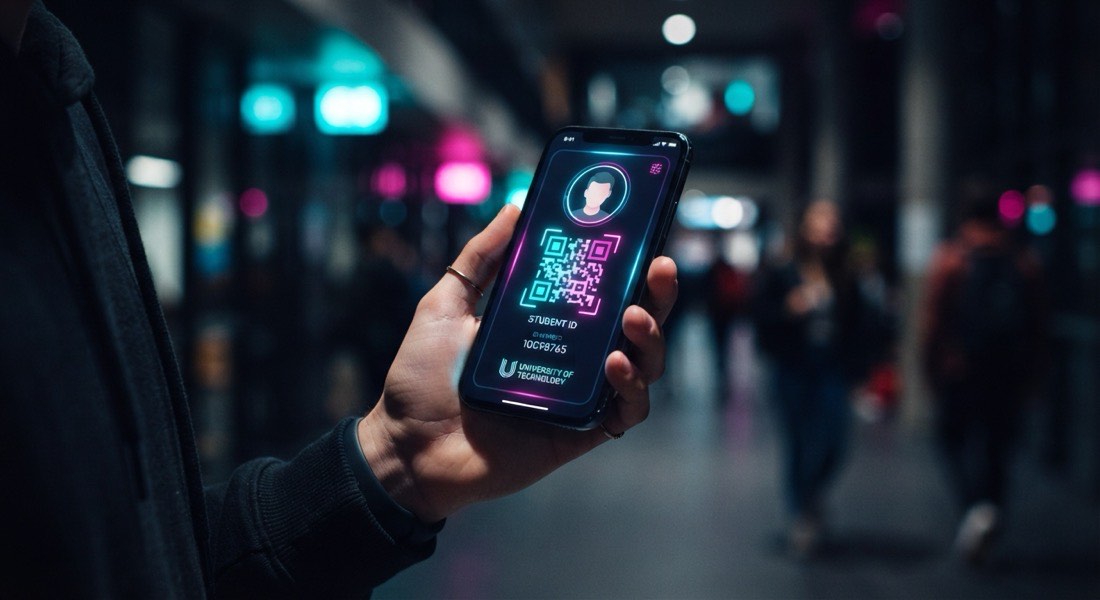
Operators need different apps for residents, staff, security and couriers — and historically that meant 4 different vendors. xSERVA ships all four under one sign-on, sharing the same database. QR codes weave through every workflow: access, parcels, invoices, bookings, contractor passes.

Key benefits
  • One platform login covers every role, on iOS and Android.
  • QR codes remove paper from access, parcel and visitor workflows.
  • Self-service deflects 60-70% of calls to the management office.
Real-world example

A resident orders dinner; the courier scans the QR locker drop-off (DLCSP), the resident gets a pickup code in-app and via email, the parcel is logged, and pickup is recorded — zero human interaction at reception. The four PWA mobile apps (customer, staff, security, courier) all share one xSERVA database.

Sub-features
  • Customer / owner PWA (app.php, appfs.php, app_auth.php)
  • Staff / management PWA (staffapp.php)
  • Security guard PWA (security_app.php, ViPass UI)
  • Delivery courier PWA (delivery_app.php)
  • Merchant captive login + merchant capture
  • Public captive flows (sign-up, forgot, signup, register)
  • Property QR + invoice QR + payment QR + print QR
  • Visitor pass QR + visitor parking QR + QR keys
  • Amenities QR (self-service laundry) + DLCSP locker QR
  • Public REST API at /api_doc.php (60+ documented endpoints)

See it in action

Six surfaces of SMARTSERVA.

Dashboard, invoice, mobile, access log, bookings grid, AIoT panel — the surfaces residents and ops actually touch.

Inline mockups, no real screenshots. The aesthetic mirrors the production console — same charcoal canvas, same cyan accents, same glass cards.

ops.smartserva.com / dashboard
Smart Estate · KL Tower 01

Operations · Today

Live
Face entries
8,221
+4.1%
Plate scans
3,109
+1.7%
Collected (RM)
412k
+8.3%
Open tickets
3
−2
Collected · last 14 daysRM  k

A single pane: 12 pillars in the sidebar, four live KPIs, one revenue trend.

invoice / INV-2026-04188
Invoice

INV-2026-04188

Issued 2026-05-01 · Due 2026-05-15
MyInvois Validated
ItemQtyRateAmt
Maintenance · May 20261340.00340.00
Sinking fund168.0068.00
Carpark · Bay B-121120.00120.00
Visitor pre-reg credit12.00
Subtotal540.00
SST 8%43.20
Total · MYRRM 583.20
UUID
8C4F · 21AE
Sandbox
PASS
Production
PASS

Every B2B invoice validated in the LHDN sandbox before production submission.

smartserva · resident app
9:41SMARTSERVA100%
Hi, Aiman.
Block A · Unit 12-08
Pay invoicedue 15 May
RM 583.20
Xendit QR · Card · Direct Debit
Book BBQ pitfree now
Sat 7-10pm · Pit 2
RM 80 deposit
Visitor QRexpires 23:59
Wong · WSY 4188
Pre-registered · LPR ready

Pay invoice, book a BBQ pit, generate a visitor QR — three taps, one screen.

security / access · last 8

Access control log

live
PersonMethodDoorTimeStatus
ARAiman R. Face Lobby A 14:08:21 ALLOW
CYCheryl Y. RFID Lift Bank A 14:07:53 ALLOW
JTJason T. Face Lobby B 14:06:48 ALLOW
??Unknown Face Lobby A 14:05:11 DENY
WGWong G. LPR Visitor lot 14:04:39 ALLOW
PKPriya K. Face Pool gate 14:01:02 ALLOW
DLDaniel L. RFID Carpark B-12 13:58:17 ALLOW
RSRidzuan S. Mobile Mgmt office 13:55:44 ALLOW

Last 8 swipes, with face thumbnails, timestamps and accept/deny verdicts.

bookings · court week

Court 3 · this week

free booked blocked
Mon
Tue
Wed
Thu
Fri
Sat
Sun
6-7pm
7-8pm
YOU
7-8pm
8-9pm
9-10pm
Court 3 · Thu · 7-8pm · You · RM 28

Week by timeslot · free, booked, blocked — your reservation highlighted.

aiot / devices · 8 of 412

AIoT device fabric

brand-agnostic
  • Lobby Cam-A
    IP camera · HTTP snapshot
    ONLINE
  • Lobby Cam-B
    IP camera · event ingest
    ONLINE
  • Lift Bank A
    Lift bridge · dry contact
    ONLINE
  • Lift Bank B
    Lift bridge · IP integration
    SYNCING
  • Smart-lock 04
    Kaadas Z-wave · paired
    ONLINE
  • Lighting · L18
    Smart relay · DALI bridge
    ONLINE
  • LPR Lane 1
    ANPR · plate read 142ms
    ONLINE
  • Intercom #11
    SIP · Akuvox
    OFFLINE

Eight devices across the estate: state, last-seen, action — at a glance.


Numbers that matter

Across the xSERVA platform.

Aggregate platform numbers — illustrative scale, not per-domain. Talk to Patrick for verified per-property metrics.

These are platform-wide numbers — they aggregate every tenant on xSERVA, including SMARTSERVA, PROPSERVA, AUTOSERVA, HOMESERVA and SPORTSERVA. Treat them as signal of scale, not as per-domain claims.

Platform-wide
1,200+
properties served
Across the xSERVA platform · MY · SG · ID
Platform-wide
89,000+
invoices processed monthly
Cleared through the xSERVA billing engine
Platform-wide
4.2M+
MyInvois documents validated
Sandbox + production combined, lifetime
Platform-wide
RM 127M+
in payments cleared
Aggregate platform turnover (lifetime)
Platform-wide
14,000+
AIoT devices online
Cameras, lifts, readers, intercoms, locks
Platform-wide
24/7
availability monitoring
Best-effort availability, monitored continuously

Aggregate platform numbers, illustrative — Patrick will share verified per-property metrics on request.


Comparison

Why xSERVA over the alternatives.

A side-by-side at the ten questions every operator asks before signing — vs. spreadsheets and legacy single-purpose software.

Spreadsheets are cheap but break under scale: formulas drift, audit trails do not exist, and finance silently absorbs the rework. Legacy single-purpose tools cover one slice — billing, or access, or POS — but the joins between them become someone's job. xSERVA replaces those joins with one database. The table below answers the ten questions every operator asks during a vendor evaluation.

Capability xSERVA Spreadsheets / manual Single-purpose / legacy
MyInvois (LHDN) e-invoiceNative, validatedNot supportedBolt-on, often manual
End-to-end automation (cron, reminders, retries)Built-in engineManual every cyclePer-module only
AIoT / access-control fabricBrand-agnostic IP + SmartFACE/VE/INTEN/AVendor lock-in
Multi-property / multi-blockYes, role-separatedOne file per propertySometimes; extra licence
Mobile app (resident / staff / security / courier)Four apps, single sign-onNoResident-only typically
Real-time dashboardsLive ops consoleStatic, laggedPer-module dashboards
Audit trail of every changeEvery action loggedNoneLimited
Auto-billing & payment retryXendit + multi-gatewayManual chasingSingle gateway
Integrations (AutoCount, MyInvois, cameras)Native + 60+ REST API endpointsCSV exportsCSV / paid connector
Support response (P1)Within 1 hour · Patrick on WhatsAppN/AEmail, next day

Ground truth · 39 toggles

Every feature in xSERVA.

The complete property-level feature index — 39 toggles, every one shippable today, audited from the codebase.

Most platforms publish a marketing list. We publish the actual master list a property administrator sees in the xSERVA console — every toggle, no omissions, no aspirational entries. Each property enables only what it needs; the rest stay dark.

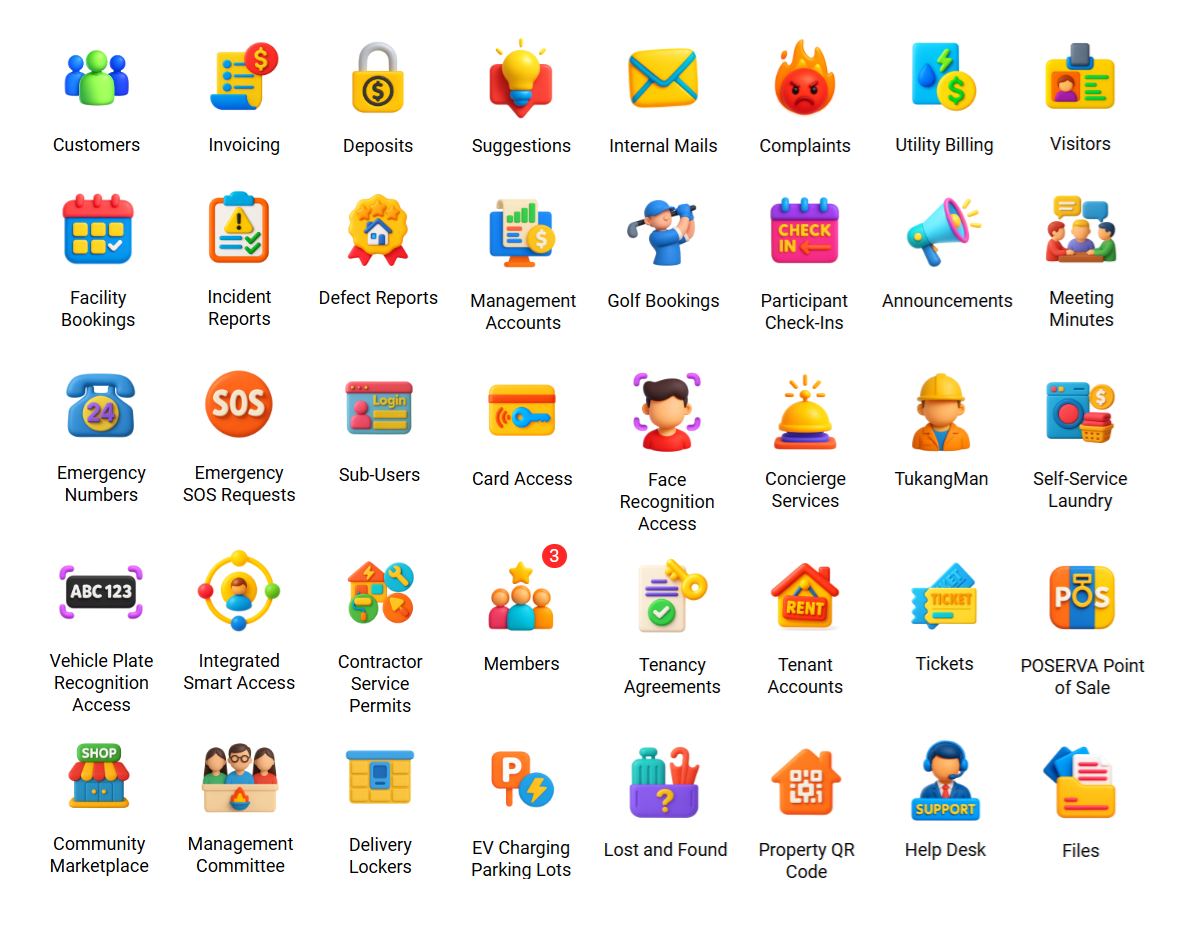
[ tg_prop_ava[1..39] · functions.php:property_ava() ]

Per-property feature toggles. Every name below resolves to live PHP modules in the xSERVA codebase.

39 / 39 shipping
  1. 01 Invoicing

    Standard, consolidated, rental, fire and deposit invoices issued from a single GL.

  2. 02 Utility Billing

    Water, electricity and other utility charges metered into the maintenance invoice cycle.

  3. 03 Visitors

    Pre-register, approve and log every guest with IC and vehicle photos.

  4. 04 Facility Bookings

    Pools, BBQ pits, function rooms, courts — atomic reservations with payment.

  5. 05 Golf Bookings

    Tee-time slots and recurring rounds for course-equipped clubhouses.

  6. 06 Participant Check-Ins

    Class, event and clinic check-ins tied to membership entitlements.

  7. 07 Announcements

    Broadcast notices to a single block, a zone, or every resident on site.

  8. 08 Suggestions

    Resident suggestion box with thread-based responses from management.

  9. 09 Internal Mails

    Staff-to-staff messages kept on-platform with full audit trail.

  10. 10 Complaints

    Logged, routed, SLA-clocked complaints with multi-tier escalation.

  11. 11 Incident Reports

    Security incident records linked to camera footage and access events.

  12. 12 Defect Reports

    Snag and defect tickets with photo attachments and status workflow.

  13. 13 Management Accounts

    Per-property management-body accounting view above the unit-level GL.

  14. 14 Meeting Minutes

    Committee meeting minutes archived with attendees and follow-up tasks.

  15. 15 Emergency Numbers

    Curated directory of fire, ambulance, police and on-site duty contacts.

  16. 16 Emergency SOS Requests

    One-tap SOS from the resident app routed to the duty manager.

  17. 17 Sub-Users

    Household members and dependants managed under a master account.

  18. 18 Card Access

    RFID smart cards (MIFARE-compatible) for doors, lifts and turnstiles.

  19. 19 Face Recognition Access

    SmartFACE enrolment pushed to every camera with one click.

  20. 20 Vehicle Plate Recognition Access

    SmartVE ANPR/LPR for boom gates and visitor lots.

  21. 21 Contractor Service Permits

    Time-bound contractor passes with insurance and scope checks.

  22. 22 Tickets

    Multi-tier ticket types with routing rules and SLA timers.

  23. 23 POSERVA

    Built-in point-of-sale for clubhouse F&B and tenant retail.

  24. 24 Community Marketplace

    On-site merchants list to residents with campaign promotions.

  25. 25 Concierge Services

    Curated service catalogue (handyman, laundry, transport) with bookings.

  26. 26 TukangMan

    Handyman service link-out for on-demand household repairs.

  27. 27 Self-Service Laundry

    QR-activated laundry amenities with pay-per-use billing.

  28. 28 Memberships

    Paid plans with tiered entitlements and recurring billing.

  29. 29 Tenancy Agreements

    Proposal · in-force · not-in-force lifecycle for every lease.

  30. 30 Tenant Accounts

    Tenant master separate from owner master, with own dashboard.

  31. 31 Management Committee

    JMB / MC / Sub-MC roles with vote- and motion-aware permissions.

  32. 32 Delivery Lockers

    DLCSP-controlled parcel lockers with QR drop-off and pickup codes.

  33. 33 EV Charging Parking Lots

    Metered EV bays with deposit + session APIs and Xendit settlement.

  34. 34 Lost and Found

    On-site lost-property log with claim workflow and photo capture.

  35. 35 Property QR Code

    A property-level QR poster that visitors and contractors scan to enter the workflow.

  36. 36 Help Desk

    Customer-facing help-desk channel separate from internal complaints.

  37. 37 Integrated Smart Access

    SmartINTE family — one device combining intercom, card, face and QR.

  38. 38 Files

    Per-property document store with role-gated access.

  39. 39 Classes

    Yoga, fitness, golf and clinic classes with passes, coaches and waitlists.

[ Plus, platform-wide ] Public REST API · 60+ endpoints AutoCount Connector middleware MyInvois UBL 2.1 + MSIC + walk-in TIN Xendit · QR · card · Direct Debit SM4 device cipher · DLCSP locker protocol 4 PWA mobile apps · single sign-on Audit log (debugv_access)

Live ops sample

A single pane of glass
for every floor.

A scaled-down preview of the live ops console — devices, KPIs, activity feed, all in one viewport.

A scaled-down view of the SMARTSERVA control room. The real platform shows full topology, video walls and per-zone telemetry.

Request live demo
ops.smartserva · room01
CPU 18% · RAM 32%

Live edge fabric

Lobby Cam-A
online
Lobby Cam-B
online
Tower Cam-1
online
Tower Cam-2
online
LPR Lane 1
active
LPR Lane 2
active
Lift Bank A
online
Lift Bank B
online
Intercom #04
paired
Intercom #11
paired
EV-Charger 03
idle
Smart Mirror
online
Events / hr
76,420
Latency p95
142ms
Open tickets
3
Today · live counters
Face entries
8,221
▲ 4.1%
Plate scans
3,109
▲ 1.7%
QR visitors
412
▲ 12%
Lift trips
14,840
▲ 0.8%
Activity feed
  • 14:08:21Face match · Resident #4421 → Lift Bank A → L18
  • 14:08:14Plate scan · WSY 4188 → Visitor lot · pre-registered
  • 14:08:02Intercom · Unit 12-08 → Guest call · accepted
  • 14:07:55Locker · Parcel delivered · QR notified
  • 14:07:31Booking · BBQ pit @ 19:00 · paid via Xendit
  • 14:06:48E-invoice · Batch 41 of 41 · MyInvois ✓

Works with

An open fabric for every device on site.

Generic IP cameras, MIFARE-compatible RFID, lifts, intercoms and Xendit (QR · card · Direct Debit) — brand-agnostic by design.

No proprietary lock-in. SMARTSERVA speaks to the systems already on your floor and the ones you plan to deploy next. Below: the integration tags, then a deep-dive paragraph on each major system.

Finance & tax

MyInvois (LHDN)XenditAutocountSST / GSTBank statements

Cameras & AI

IP camerasFace-recognition camerasLicense-plate camerasIntrusion serverSmartFACESmartVE

Access

RFID readersSmart intercomsSmartINTELifts

Parking & energy

Parking-lock controllersEV baysSmart lightingPower monitorsSmart mirrors

Comms

Email (PHPMailer)Invoice deliveryIn-app notificationsAnnouncements

Logistics

Delivery lockersCourier appQR pickup

E-wallets & rails (via Xendit)

Touch’n GoBoostGrabPayShopeePayDuitNow QRFPXRazer Gateway (sandbox)

Developer / API

REST · 60+ endpointsBearer authapi_doc.php

MyInvois (LHDN)

Malaysian e-invoice compliance for B2B invoices is built into the core. xSERVA validates every invoice against LHDN schema (TIN, BRN, classification codes, currency) before submission, supports both sandbox and production environments, and handles consolidated invoices, individual invoices and credit notes. Failed validations surface inline with the offending field highlighted, so finance teams correct and resubmit in seconds.

Xendit

A multi-method payment gateway with smart routing and webhook reconciliation. The currently-wired methods are QR, credit/debit cards, and Direct Debit. Recurring schedules retry failed cards on configurable cadences; every settlement event flows back into the xSERVA ledger automatically. Manual proof-of-payment uploads route into a verification queue for finance to approve.

Autocount

Bidirectional sync of customers, invoices, payments and GL postings means you can keep Autocount as the corporate finance system of record while xSERVA runs the front office. Mappings are configurable per chart-of-accounts; conflicts surface in a reconciliation queue rather than overwriting silently.

Email notifications & invoice delivery (PHPMailer)

Invoice delivery, statement dispatch, password reset, visitor-pass attachments, payment confirmations and reminder cycles all run through PHPMailer. Email is the system\'s outbound channel; in-app notifications and announcements cover real-time messaging inside the platform. Patrick remains reachable on WhatsApp for sales and escalation — that is a human channel, not a system feature.

Public REST API · 60+ endpoints

A documented public API at /api_doc.php exposes 60+ endpoints across visitor management, EV charging deposit and session, sub-account, announcements, customer master and access events. Bearer-token authentication; consistent JSON envelope; suitable for partner systems, building-automation bridges and data-warehouse pulls.

AutoCount Connector middleware

The AutoCount integration is delivered through a hosted middleware at safetech.org.my/VYROX-AutoCount-Connector/xSERVA with Bearer-token authentication. Supported flows: invoice push, payment push, cancel and undo. Mappings live per chart-of-accounts; conflicts surface in a reconciliation queue rather than overwriting silently.

IP cameras · RFID · face · LPR · intercoms

Brand-agnostic AIoT fabric: generic IP cameras with HTTP snapshot & event ingest, MIFARE-compatible RFID smart cards, SmartFACE face-recognition cameras, SmartVE ANPR/LPR plate readers and SmartINTE smart intercoms (the same family also delivers Integrated Smart Access). xSERVA enrols the resident or vehicle once and pushes the access profile to every relevant device automatically. Device-protocol traffic is wrapped in the SM4 cipher.

VYROX AIoT (parent brand) · TukangMan link-out

SMARTSERVA is the AIoT smart-building front-end of the xSERVA platform, built and operated by VYROX INTERNATIONAL SDN BHD under the VYROX AIoT umbrella. On-demand household repairs route to the TukangMan handyman marketplace via a deep link from the resident app.

Lifts · parking locks · lighting · lockers (DLCSP)

Both relay-based (dry-contact) and IP-controlled hardware are supported, across low-voltage and high-voltage paths. Lift integration runs via dry contact or IP. Parking-lock controllers and the wheel-clamp module, smart lighting and power monitors, smart mirrors with micode access codes, and DLCSP-controlled delivery lockers are all commissioned through the same pairing flow.


4 phases · live in 4 weeks

From kick-off to live operations.

Live in 4 weeks: discovery, configuration, AIoT pairing, soft launch — then continuous improvement.

A fixed-shape rollout you can plan around. Patrick personally runs week 1; your team takes the wheel by week 5.

  1. 01

    Week 1 — Discovery & data import

    Patrick on-site or via video. Map your operations to xSERVA modules. Bulk import customers, units, parking bays and contracts. Existing audit trail is preserved.

  2. 02

    Week 2 — Configuration & training

    Configure rates, fees, MyInvois TIN, payment gateway keys, branding and role-based user accounts. Hands-on training sessions for finance, security and concierge teams.

  3. 03

    Week 3-4 — AIoT pairing & soft launch

    Pair access devices, cameras, lifts, intercoms and lockers. Roll out resident/customer apps. Run in parallel with the old system to validate every flow before cutover.

  4. 04

    Week 5+ — Cutover & continuous improvement

    Old system retired. Quarterly reviews with Patrick on adoption, new modules and feature requests. Custom integrations evaluated each quarter.


Use cases

Built for the way SEA estates actually run.

Eight operator profiles — condos, mixed-use, sports clubs, gyms, parking, communities, retail, clubhouses — with quantified outcomes.

Eight operator profiles xSERVA was built for. Each card: who they are, the modules they lean on, and a realistic outcome we have seen.

Condos & strata

JMB and MC committees running 200-2,000 unit high-rise residences. Their top pain is fragmented vendors — billing in one tool, access in another, e-invoice nowhere.

Modules they use most
  • Accounting + MyInvois e-invoice
  • Smart access (face, RFID, lifts)
  • Resident mobile app + QR visitors
Quantified outcome
70% drop in complaint resolution time once tickets and access events live in one system.

Mixed-use buildings

Developments combining retail/F&B downstairs with residences upstairs. The pain: two distinct operations under one roof with different billing rules and access patterns.

Modules they use most
  • POSERVA for tenants
  • Lift access with floor-zoning
  • Tenant revenue-share reporting
Quantified outcome
Saves operators 25 ops hours per month previously spent reconciling tenant POS data.

Sports clubs

Member-driven racket, golf and recreation clubs. The pain: bookings clash, member tiers are hard to enforce, and finance sits on Excel.

Modules they use most
  • Court & class bookings
  • Membership tiers + class passes
  • Member self-service app
Quantified outcome
25-40% lift in court-booking utilisation through paid online reservations.

Gyms

Boutique and chain gyms with class-pass economics. The pain: walk-in revenue lost to admin friction; recurring billing fails silently.

Modules they use most
  • Class bookings + waitlists
  • Auto-pay with smart retry
  • Face/RFID gate access
Quantified outcome
Lifts on-time direct-debit collection from 78% to 95% within 3 months.

Smart parking & EV

Parking operators and EV charging hosts. The pain: cash leakage, manual barrier overrides, and no integration between bay sensors and billing.

Modules they use most
  • LPR/ANPR with auto-billing
  • Parking-lock controllers
  • EV charger metering + payment
Quantified outcome
Recovers RM6,000-RM12,000 per lot per month previously lost to manual overrides.

Residential communities

Gated landed-house developments, often 100-600 doors. The pain: visitor management at the guardhouse and patchy chat-group comms with residents.

Modules they use most
  • QR + LPR visitor pre-registration
  • Resident broadcast + announcements
  • Sinking-fund and maintenance billing
Quantified outcome
60% faster visitor approval at the guardhouse during peak return-from-work hours.

Retail / F&B

In-mall and standalone outlets needing MyInvois compliance and consolidated reporting. The pain: per-outlet POS that does not roll up.

Modules they use most
  • POSERVA point of sale
  • MyInvois consolidated invoice
  • Membership/loyalty + marketplace
Quantified outcome
Cuts MyInvois compliance effort to under 30 minutes per month per outlet.

Clubhouses

Estate clubhouses with F&B, function rooms and amenities. The pain: bookings, payments and access do not talk to each other.

Modules they use most
  • Function-room + BBQ-pit bookings
  • POS for café/F&B
  • Smart-lock access activation
Quantified outcome
Generates RM2,000-RM5,000 per month in previously-uncaptured amenity revenue.

Operators we serve

Anonymised, real, running today.

Twelve operator profiles — anonymised by request, every one running on xSERVA right now. Happy to introduce.

Twelve representative operators across Malaysia and the region. Names withheld out of respect for our customers — Patrick is happy to make warm introductions on request.

A 480-unit condominium in Mont Kiara — auto-billing + face access for residents.

A 12-court badminton centre in Penang — online booking + dynamic pricing.

A mixed-use clubhouse in PJ — POS + amenities + visitor management.

A 6-lift residential block in JB — lift access + smart parking.

A futsal arena in Jakarta — recurring class bookings + Xendit payments.

A retirement village in Subang — concierge services + helpdesk.

An EV-charging carpark in KL — LPR entry + paid parking.

A residential strata in Cyberjaya — JMB billing + sinking fund auto-generation.

A swimming complex in Ipoh — class passes + coach scheduling.

A serviced apartment block in Bangkok — sub-account billing + statements.

A bowling alley in Kuching — POS + membership plans + leaderboards.

A community sports centre in HCMC — multi-facility bookings + auto-reminders.


Savings calculator

Estimate your monthly savings.

Four inputs, one estimate. Shifts manual ops time, invoice handling and collection rate into a monthly MYR figure.

Honest estimator — not a sales pitch. Tweak the four inputs to match your operation and see roughly what xSERVA tends to free up. The math is transparent in the "How we estimate" tooltip below.

How we estimate
Formula
time = hours/wk × 4.33 wks × rate × 0.7 (auto-rate) processing = invoices × RM 0.50 / each collection = units × RM 1.20 / each total = time + processing + collection
Conservative defaults. Real-world results vary by ops maturity and existing tooling. Patrick will model your specific numbers.
Estimated monthly savings
RM {{ totalFormatted }}
  • Time freed (auto-billing)RM {{ timeFormatted }}
  • Invoice processingRM {{ procFormatted }}
  • Collection-rate upliftRM {{ collFormatted }}
Estimate only — Patrick will confirm for your specific operation.
Talk to Patrick to verify

Data, security & compliance

Hardened by default. Auditable on demand.

TLS 1.3 in transit, RBAC, action audit log, PDPA-aligned, MyInvois certified — out of the box.

Security is not a paid add-on — it is the default posture. Below: what every xSERVA tenant gets out of the box, plus what enterprise plans add.

Data residency

Hosted in Malaysia on hardened cloud infrastructure.

Encryption in transit

TLS 1.3 in transit. Device-protocol traffic to access hardware is wrapped in SM4.

RBAC + action audit log

Role-based access control with granular permissions. Privileged actions are recorded in the debugv_access table: actor, action, timestamp, source IP.

Backups + restore

Daily off-site backups with point-in-time restore. Recovery objectives: RPO 24h, RTO 4h on standard plans; tighter on enterprise.

MyInvois certified

MyInvois (LHDN) certified data flow. Sandbox for testing, production for go-live. Submission status, validation errors and audit responses are all stored.

PDPA + privacy

PDPA-aligned: purpose limitation, retention windows on face/ANPR/visitor data, resident-consent capture at enrolment, data-subject access requests via the resident app.

Hardened by default

Security review is part of every release cycle. Findings are remediated to a fixed schedule.


Leaving the old way

Moving from spreadsheets, paper or legacy software.

Four origin paths to xSERVA. Imports, parallel-run cutovers, OCR for paper, and API bridges for in-house systems.

Most operators come to xSERVA from one of four places. None of them require a weekend war room or a vendor ultimatum — we plan the cutover around your billing cycle, not ours.

From spreadsheets

We map your existing columns to xSERVA fields with CSV/Excel templates for residents, units, parking bays, leases, recurring charges and historical invoices. Patrick personally walks you through the first import. Common pain we fix: stale formulas, broken links between workbooks, and no audit trail. We preserve your historical invoice numbers so finance does not lose continuity.

From paper / manual

Bring us the binders. We run a digital onboarding workflow that batch-scans past records, OCRs them, and lands the structured data into xSERVA with a human-in-the-loop review step. Residents enrol via the app or a kiosk. Visitors and contractors are pre-registered with QR or LPR. Within four weeks, the front desk stops printing.

From legacy software

Single-purpose tools — old billing, old access control, old guard apps — get bridged during cutover. We run them in parallel for two billing cycles so finance can reconcile side-by-side. xSERVA exposes a REST API so the legacy system can keep reading until you decide to retire it. No big-bang go-live, no weekend war room.

From custom in-house

In-house systems built by a former IT lead are our most common origin story. We export through the schema you have, normalise to xSERVA tables, archive your old database read-only, and document the field mapping. Your custom workflows usually map cleanly to xSERVA pillars — the rest become webhook integrations on the API.


e-Invoice deep-dive

How xSERVA handles MyInvois (LHDN).

Native, validated, sandbox-first. Inline error fields, credit notes, consolidated invoices, full submission audit.

MyInvois is treated as a first-class part of the billing engine, not a bolt-on. Every B2B invoice is shaped to the LHDN UBL schema as it is composed, validated against the sandbox before submission, and sent to production with a stored UUID and validation receipt. Failed submissions surface the offending field inline — TIN format, BRN, classification code — so finance corrects and resubmits in the same flow.

Standard, consolidated, credit notes

All MyInvois invoice types supported out of the box: standard B2B, consolidated B2C, credit notes, debit notes and refund notes. Each carries its own UUID and validation timeline.

Sandbox first, then production

Every batch is validated in the LHDN sandbox before production submission. Sandbox failures show the offending fields inline; production submissions store the LHDN response in the audit log.

Validation audit trail

Validation receipts and submission timelines are retained and exportable to PDF or CSV. Every submission writes an entry into the action audit log.

UBL 2.1 payload + share URL

xSERVA generates the LHDN UBL 2.1 JSON payload natively in functions_einv.php, submits via submit_einvoice.php and stores the public share URL for buyer access. Every submission is wrapped in xSERVA's safe-de2 token encryption.

MSIC codes + walk-in TIN

A full MSIC industry-code list (msic_codes.json) drives line-level classification. Where a buyer has no TIN (typical walk-in / B2C), xSERVA falls back to the LHDN sentinel EI00000000010 so the invoice still clears validation.

Why MyInvois matters here

For mixed-use estates and operators with tenant F&B + retail, MyInvois compliance is the difference between billing flowing and billing freezing. Building it into the core (not as an add-on) means every standard invoice, consolidated batch and credit note is born compliant — sandbox before production, share URL on issue, audit log on submit, MSIC + walk-in TIN handled automatically.


The full surface area

Complete capabilities catalog.

Every operator-visible feature in xSERVA, grouped by domain — 280+ line items, no omissions, no fluff.

The 12 pillars above tell the story. This catalog is the receipts: a scannable index of every domain we ship, drawn straight from the audited xSERVA codebase. Use it as a feature checklist when comparing against your current stack.

Accounting

25
  • Standard invoices
  • Consolidated invoices
  • Utility-billing invoices (water/electricity)
  • Rental invoices
  • Fire-charge invoices
  • Standard deposit invoices
  • Deposit refund invoices
  • Credit notes (issue + preview)
  • Debit notes
  • Invoice adjustments
  • Manual GL adjustments
  • Voided invoices register
  • Late-payment interest engine + interest advice
  • Sinking-fund auto-generation
  • Maintenance-fee auto-generation
  • Statement generation & dispatch
  • Statement pay flow
  • Consumption tax (SST / GST) setup
  • Consumption tax types
  • Cash book
  • GL master + GL transactions
  • GL invoices, GL credit notes
  • External public-pay invoice link
  • Invoice + payment QR
  • PDF rendering (multi-paper-size)

Payments & Gateways

17
  • Xendit QR payments
  • Xendit credit / debit card
  • Xendit Direct Debit
  • FPX (Malaysia online banking)
  • Touch’n Go e-wallet (via Xendit)
  • Boost (via Xendit)
  • GrabPay (via Xendit)
  • ShopeePay (via Xendit)
  • DuitNow QR (via Xendit)
  • Razer Gateway sandbox
  • Auto-payments / saved-card vault
  • Webhook reconciliation (qr.payment, CC/DC, DIRECT_DEBIT)
  • Manual proof-of-payment verification queue
  • Receipts register
  • Refunds + all-refunds register
  • BA / CC / GA charge bookkeeping
  • App payment success / failure callbacks

Banking, GL & Cashflow

11
  • Bank accounts
  • Bank reconciliation
  • Gateway processor (bank-details) setup
  • Withdrawals (landlord rental payouts)
  • Customer advances
  • Customer deposits ledger
  • Customer payments ledger
  • Customer refunds ledger
  • Financial report set
  • Facility utilisation report
  • Cashflow / cash book page

Customer & Sub-Account

10
  • Customer master + customer dashboard
  • Customer information page
  • Sub-users (household, dependants, secondary cardholders)
  • Sub-account change requests + approval
  • Information change requests
  • Owners bulk import (CSV/Excel)
  • Staff user accounts
  • First-time login + login guide
  • Password reset + forgot-password
  • Tenant accounts (separate from owners)

Lease / Agreements

7
  • Tenancy proposals
  • In-force agreements
  • Not-in-force agreement archive
  • Rentals register
  • Rental types
  • Generate-rentals automation
  • Lease milestones & renewal alerts

Membership & Classes

9
  • Memberships (paid plans)
  • Membership plans (admin tier)
  • Classes
  • Class types
  • Class bookings
  • Class passes
  • Class-passes list
  • Coaches
  • Member tiers + entitlements

Bookings & Reservations

12
  • Facility bookings (pool / BBQ / function room / courts)
  • Facility types + facility setup
  • Golf bookings (tee-time)
  • Common-area inventory
  • Court change
  • Booking cart (add / bulk-add)
  • Booking refunds + rejects
  • Recurring rules
  • Cut-off-time enforcement
  • Public-holiday calendar
  • Booking approvals
  • Cron auto-stop + auto-expire

Property Setup

10
  • Units
  • Blocks
  • Floors
  • Zones
  • Common areas
  • Property features master
  • Property QR code poster
  • Public-holiday / calendar
  • Rates, fees & charges setup
  • Revenue (profit) definition

Parking

9
  • Visitor parking
  • Reserved parking
  • Paid parking
  • Parking bay setup
  • Parking-lot types
  • EV charging lots
  • EV deposit + session API
  • Smart parking-lock controllers
  • Wheel-clamp module

Visitors

11
  • Visitor records
  • Visitor types
  • Visitor documents
  • Visitor IC photos
  • Visitor vehicle photos
  • Visitor pass
  • Visitor pass QR + parking QR
  • Visitor QR change / refund
  • Visitor parking allocation
  • Black/whitelist
  • Most-visited & repeat-visitor analytics

Smart Access / AIoT

18
  • SmartFACE face recognition
  • Face-rec enrolment + push
  • SmartVE ANPR / LPR
  • SmartINTE smart intercom
  • Integrated Smart Access
  • RFID smart cards (MIFARE-compatible)
  • Smart-card types
  • Cards register
  • Admin-check-card
  • QR keys
  • QR access + QR check
  • Lift floor-call access
  • AIoT device registry (access_devices)
  • Access-device probes / heartbeat
  • DLCSP door-lock protocol
  • DLCSP QR drop-off
  • SM4 device cipher
  • Smart mirrors with micode access codes

IoT Monitoring

12
  • Generic IP cameras (HTTP cgi-bin snapshot)
  • Camera receive log
  • IP-server event receiver
  • Intrusion server receiver
  • Intrusion log testing
  • Smart lighting + automation
  • Auto-lighting check (cron)
  • Power monitoring
  • Smart mirrors
  • Delivery lockers (operate)
  • Delivery-locker configuration
  • Parking lock control + response

Security Operations

8
  • Live Security Monitor (intrusion / photo / digital panes)
  • Security guard PWA (ViPass UI)
  • Emergency SOS one-tap
  • Emergency phone-number directory
  • Black/whitelist enforcement
  • Card swipes audit
  • Incident reports (cross-linked)
  • System & debug logs (in_syslog / in_debugv / debugv_access)

Helpdesk / Concierge

14
  • Concierge services catalogue
  • Concierge types + setup
  • Complaints lifecycle + SLA clock
  • Suggestions box
  • Incident reports
  • Multi-tier ticket types + routing
  • Help-desk channel
  • Defect reports
  • Lost-and-found with claim flow
  • Internal staff mail
  • Announcements (block / zone / property)
  • Meeting minutes + follow-ups
  • Contractor service permits
  • TukangMan link-out

POS / Marketplace

12
  • POSERVA point-of-sale
  • POSERVA settings
  • Stocks master
  • Stock groups
  • Stock classification
  • Sales records (daily POS tape)
  • Merchants register
  • Merchant captive login
  • Merchant capture
  • Community Marketplace storefront
  • Campaigns (admin)
  • Suppliers

Approvals & Workflow

6
  • Approvals master
  • Management approvals
  • Payment approvals
  • Company-approval flow + company-approved
  • Sub-account change approvals
  • Booking approvals / rejects

Automation / Cron

19
  • Per-minute cron worker (cron_minute_work)
  • 2-min cron tier
  • 5-min cron tier
  • Auto-billing config
  • Reminder cycles
  • Auto-payments scheduling
  • Auto-stop amenity (cron)
  • Auto-cc-booking
  • Auto-expire bookings
  • Generate maintenance fees (gen_mf)
  • Generate sinking fund
  • Generate interest
  • Generate rentals
  • Generate statements
  • Clear intrusion photos (cron)
  • Delete child-membership purge (cron)
  • Auto-lighting check
  • IoT heartbeat check
  • Swipe heartbeat check

Reports & Analytics

6
  • Financial reports (page + report)
  • Facility utilisation
  • Most-visited analytics
  • Operator dashboard
  • Customer dashboard
  • System & debug logs

Mobile Apps (PWA)

6
  • Customer / owner app (app.php · appfs · app_auth)
  • Staff / management app (staffapp)
  • Security guard app (security_app + ViPass)
  • Delivery courier app (delivery_app)
  • Merchant captive login + capture
  • Public captive flows (capt · capt_signup · capt_forgot)

QR Codes

11
  • Property QR poster
  • Invoice payment QR
  • Print-QR utility
  • Visitor pass QR
  • Visitor parking QR
  • Visitor pass QR change/refund
  • QR keys
  • Generic QR access + QR check
  • Self-service laundry QR (amenities_qr)
  • Delivery locker QR (DLCSP QR)
  • CSA QR (separate module)

Self-Service

7
  • Self-service laundry / amenities
  • Amenities records
  • Customer captive payment
  • External pay-invoice public page
  • Owner first-login + reset
  • Sign-up / register-account
  • Forgot-password

Admin / Company

11
  • Management Bodies (companies)
  • Projects
  • No-project landing
  • Staff / employees
  • Operator-level settings
  • Privacy · Terms · Disclaimer
  • AI tooling endpoint (ai-tools.php)
  • Files (per-property document store)
  • Backups / uploads directory
  • PDF paper-size rendering
  • Notification system (s_noti + mute)

Tax / MyInvois Compliance

8
  • MyInvois UBL 2.1 JSON payload
  • submit_einvoice + share URL
  • MSIC industry codes (msic_codes.json)
  • Walk-in buyer TIN fallback (EI00000000010)
  • safe-de2 submission token encryption
  • Consumption tax types
  • Single consumption tax
  • e_invoicing audit table

Integrations (3rd party)

8
  • MyInvois / LHDN e-invoice
  • Xendit payment gateway
  • AutoCount accounting (read API + push sync via VYROX-AutoCount-Connector middleware)
  • AutoCount flows: invoice / payment / cancel / undo (Bearer token)
  • TukangMan handyman link-out
  • VYROX AIoT parent-brand
  • PHPMailer email transport
  • Razer Gateway (sandbox endpoint)

Developer / Public API

13
  • api_doc.php — 60+ documented endpoints
  • Visitor API
  • EV charging deposit + session API
  • Sub-account API
  • Announcements API
  • Customer-master API
  • Access-events API
  • Bearer-token authentication
  • JSON envelope
  • PWA API namespace (api/*)
  • Mobile login (api/app_00_user_login)
  • QR-add-project (api/app_00qr_add_project)
  • Me-details example (api/me_details_example)

Support & SLA

Direct access. Real response times.

P1 within 1h, P2 within 4h, P3 next-day — Patrick on WhatsApp, right engineer in the loop.

No tier-1 call centre, no ticket maze. You message Patrick on WhatsApp; the right engineer answers.

24/7 WhatsApp

Direct line to Patrick: +60 19-688 3338. After-hours messages are triaged by the on-call engineer.

Response targets

  • P1 · Critical — within 1 hour
  • P2 · High — within 4 hours
  • P3 · Normal — next business day

Onboarding training

Hands-on training (2-3 sessions) for finance, security, concierge and management teams. Recordings provided for new hires.

Custom feature requests

Custom feature requests are reviewed quarterly. Many become standard product within one to two release cycles, at no extra cost to the requesting customer.

Availability monitoring

Best-effort availability monitored 24/7. Maintenance windows are scheduled outside Malaysian business hours. Email broadcasts (PHPMailer) notify customers in advance, and Patrick relays critical changes on WhatsApp as a human escalation channel.


Transparent pricing

Custom packaging, honest bands.

Sized by units, modules and AIoT hardware. Three indicative bands — talk to Patrick for a firm quote.

No surprise quotes. We size by units/customers, modules in scope, and AIoT hardware integrations. The numbers below are indicative ranges — talk to Patrick for a firm quote.

Small
< 100 units

Single property, core modules (billing, MyInvois, access, app). Fast onboarding, fixed monthly subscription, no setup fee on standard SKU.

  • Free demo + trial period
  • Standard onboarding included
  • Best for: small condos, gyms, single clubhouses
Talk to Patrick
Mid · most popular
Best fit
100–1,000 units

Mixed-use estates, mid-sized condos and clubhouses. Full module suite, hardware bundle, dedicated onboarding with Patrick.

  • All 12 pillars included
  • AIoT hardware bundle option
  • Best for: mid-rise condos, sports clubs, mixed-use
Talk to Patrick
Large · enterprise
1,000+ units

Multi-property portfolios, regional operators. Dedicated success engineer, custom SLA, enterprise security review.

  • Dedicated success engineer
  • Custom SLA
  • Best for: portfolio operators, REITs
Talk to Patrick

Optional add-ons

AIoT hardware bundle

Cameras, RFID readers, intercoms, lift integration kits — sourced and commissioned.

E-invoice volume tier

Higher MyInvois throughput for portfolio operators submitting tens of thousands of invoices monthly.

Custom integrations

Bespoke ERP, CRM and IoT-platform connectors. Scoped per quarter on enterprise plans.


Plain-English glossary

Industry terms, demystified.

25 plain-English definitions for the acronyms that appear elsewhere on this page.

Quick reference for the acronyms scattered across this page and the property/AIoT industry generally.

AIoT
Artificial Intelligence + Internet of Things — connected hardware (cameras, readers, sensors) augmented with AI inference at the edge or cloud.
ANPR / LPR
Automatic Number-Plate Recognition / Licence-Plate Recognition. Cameras that read plates in real time to open booms or log vehicles.
Audit trail
A log of every privileged action in the system: who did what, when, and from where.
Bin (PDPA term)
In Malaysian PDPA context, a "data subject" register entry — a record of the individuals whose personal data is held.
Cron
A time-based scheduler that runs jobs at fixed intervals — used for nightly billing, reminders and reports.
e-Invoice / MyInvois / LHDN
Malaysia's mandatory electronic invoice system run by Lembaga Hasil Dalam Negeri. xSERVA submits, validates, and stores compliant XML invoices.
FPX
Financial Process Exchange — Malaysia's real-time online banking payment rail.
GL
General Ledger — the master accounting record that every transaction posts into.
JMB / MC
Joint Management Body / Management Corporation — the legal entities that run strata properties in Malaysia.
Multi-tenant SaaS
One software instance serving multiple customer organisations with logical data separation.
DLCSP
Door-Lock Control Service Protocol — xSERVA's proprietary protocol for door locks, delivery lockers and locker QR drop-offs.
MyInvois (UBL 2.1)
Malaysia's mandatory e-invoice format — xSERVA generates UBL 2.1 JSON payloads, with a walk-in buyer fallback (TIN EI00000000010) and an MSIC industry-code list, and submits with a sharing URL.
PDPA
Personal Data Protection Act 2010 — Malaysia's data-protection law that governs collection, use and storage of personal data.
POS
Point of Sale — the till and inventory system used by retail and F&B tenants.
QR
Quick-Response 2D barcode used for access keys, invoices, locker pickups and visitor passes.
RBAC
Role-Based Access Control — permission model where what you can do depends on the role assigned to you.
RFID
Radio-Frequency Identification — contactless cards and readers commonly used at doors and turnstiles.
SLA
Service-Level Agreement — the contractual response and uptime commitments xSERVA makes to customers.
SmartFACE / SmartVE / SmartINTE
xSERVA modules: face-recognition access, vehicle/plate access, and SIP smart intercom.
Sinking fund
A reserve fund collected from residents and ring-fenced for major capital expenditure (lift overhauls, repainting).
Sub-account
A dependent profile under a master customer record — household members, secondary drivers, additional cardholders.
TLS
Transport Layer Security — the encryption layer that protects data in transit between browser and server.
Webhook
An HTTP callback fired by xSERVA into your own system when a relevant event occurs (invoice paid, access granted).
SM4
A 32-round Chinese block-cipher used by xSERVA to encrypt device-protocol traffic between the platform and access hardware.
PWA
Progressive Web App — xSERVA ships its mobile experiences (customer, staff, security, courier) as installable PWAs, sharing one database.
Captive portal
Public onboarding pages (capt.php, mer_capt.php, merchant_login.php) where new owners or merchants self-register without staff involvement.
micode
A short access code carried by smart-mirror access requests, used to gate unit-door access from common areas.


Talk to Patrick

Switch your building on with SMARTSERVA.

A 20-minute walk-through of the live ops view, the e-invoice flow and your closest hardware match. No obligation, no slide deck filler.

VYROX INTERNATIONAL SDN BHD
Malaysia · serving SEA
  • 24/7 ops support
  • MyInvois (LHDN) ready
  • Daily backups + audit log
  • 5 brands · 1 platform

FAQ

Questions, answered.

Long-tail questions covered — imports, branding, audit log, NOT-included, data export.

The long-tail questions operators ask before signing — covered.

What is xSERVA and how does SMARTSERVA fit in?

xSERVA is the unified platform built by VYROX INTERNATIONAL SDN BHD. SMARTSERVA is the AIoT smart-building front-end of the same platform — same database, same engine, branded for smart buildings and mixed-use estates.

Why are there 5 sister sites running the same software?

smartserva, propserva, autoserva, homeserva and sportserva all sit on top of the xSERVA platform. We let customers pick the brand front-end that matches their world — building, property, automotive/parking, residential, sport — while the engine underneath is identical.

How does xSERVA handle MyInvois (LHDN) e-invoice submission?

MyInvois is native, not a bolt-on. Every B2B invoice is validated against LHDN schema before submission — sandbox first, then production. Failed validations show the offending field inline. Credit notes and consolidated invoices are supported out of the box.

Can I import data from my existing spreadsheets or legacy system?

Yes. We provide CSV/Excel templates for residents, units, parking bays, leases and historical invoices. Patrick personally walks you through the first import so you do not lose history or audit trail.

Is there a mobile app for residents, customers and staff?

Yes — four apps in fact: customer/resident, staff, security and courier. All under single sign-on, all on iOS and Android, all sharing the same xSERVA database.

How does face recognition work with privacy and PDPA?

Face templates are stored encrypted at rest. Residents consent at enrolment, can request deletion any time, and retention windows are configurable per data type. ANPR plate data is purged after 30 days unless tied to an active incident.

Can xSERVA replace Autocount or work alongside it?

Both options are supported. Many operators run xSERVA as the front office (billing, e-invoice, collections) and bidirectionally sync customer, invoice and GL data to Autocount for the finance team. Others retire Autocount entirely.

How long does onboarding take?

Most buildings go live in 4 weeks: week 1 discovery and import, week 2 configuration and training, weeks 3-4 AIoT pairing and soft launch. Larger estates with complex hardware can take 6-8 weeks.

What hardware brands and models are supported?

Brand-agnostic. Generic IP cameras with HTTP snapshot/event ingest (cgi-bin style), MIFARE-compatible RFID smart cards, smart intercoms, ANPR/LPR plate cameras, common lift controllers via dry contact or IP, parking-lock controllers and wheel-clamp module, smart lighting and power monitors. Device-protocol traffic is encrypted with the SM4 cipher; door locks and delivery lockers use the proprietary DLCSP protocol.

What is the difference between the 5 *serva.com domains?

Same engine, different shopfronts: smartserva (smart-building AIoT), propserva (property management), autoserva (automotive/parking), homeserva (residential), sportserva (sport clubs and gyms). Pick the one that matches your operation.

Does it work for small properties or only big ones?

Both. Small properties under 100 units pay a small monthly subscription. The platform scales to 10,000+ units across multiple buildings without architectural changes.

Can residents pay by credit card or QR?

Yes — via Xendit. The currently-wired methods are QR, credit/debit cards, and Direct Debit. Failed cards retry automatically and webhooks reconcile to the xSERVA ledger in real time. Manual proof-of-payment uploads are routed into a verification queue for finance to approve.

What happens if MyInvois validation fails?

The invoice is flagged with the exact failing field (TIN format, BRN, classification code). You correct it inline and resubmit — no separate workflow. Sandbox validation catches most issues before production.

Can I customise invoice templates and reports?

Yes. Logo, colours, footer, terms, and line-item layouts are all configurable per property. Reports are exportable to PDF, Excel and CSV.

How does visitor pre-registration work?

Resident opens the app, enters guest name + plate + IC, picks a date window, and the system emails the guest a QR pass (PHPMailer) plus stores it on the resident's app. At the gate, LPR or QR scan opens the boom in under 2 seconds.

Is there an API for our own integrations?

Yes — a REST API with webhook events covers customers, invoices, payments, access events and bookings. Enterprise plans include OAuth 2 + API key management.

Where is the data hosted and how is it backed up?

Data residency in Malaysia on hardened cloud infrastructure. TLS 1.3 in transit. Daily off-site backups with point-in-time restore.

Is the system available outside Malaysia (Singapore, Indonesia, Thailand)?

Yes. Currency, language and tax engine are configurable per property. We have customers in Singapore and Indonesia, and the platform is ready for Thailand, Vietnam, Philippines.

How is downtime and maintenance handled?

Maintenance windows are scheduled outside Malaysian business hours (typically 02:00-04:00 MYT Sundays) and email broadcasts notify customers in advance. Patrick remains reachable on WhatsApp as the sales / escalation channel — that is a human channel, not a system feature.

How do I train my team and roll it out to residents?

Onboarding includes 2-3 hands-on training sessions for staff, scheduled around your duty roster so peak shifts are covered. Residents get a one-page quick-start card plus an in-app tour and a soft-launch broadcast. Patrick stays on call through your first billing cycle so any edge case is resolved live, not in a ticket queue. We also record sessions and leave them in your tenant for new hires.

Can I import customers and invoices from a competitor system?

Yes. We accept CSV/Excel exports from most market tools and normalise them into the xSERVA schema during week 1 of onboarding. Historical invoice numbers are preserved so finance continuity is unbroken. Where the source has data quality issues, we flag rows for review rather than silently dropping them, and Patrick reviews the diff with you before commit.

Is xSERVA GDPR-aligned for European-owned operators?

xSERVA is PDPA-aligned for Malaysia and operates with the same primitives GDPR requires: lawful basis at collection, retention windows, data-subject access requests, deletion on request, and a documented sub-processor list. European-owned operators typically run xSERVA without modification; for EU data residency we offer hybrid deployment to a region of your choice.

Can I customise the look and feel for our property?

Yes. Logo, colour palette, email templates, mobile-app splash and the customer portal are configurable per property or per group. Patrick walks you through the brand setup during onboarding.

How is the audit log handled?

Every privileged action is recorded against the debugv_access table — actor, action, timestamp, source IP — and exportable on request. Deletion is logical (tombstone with reason) so nothing is silently lost.

What is NOT included in the standard plan?

Custom integrations beyond the public REST API, dedicated infrastructure and 24/7 named-engineer support are enterprise-tier. Hardware (cameras, readers, lifts, ANPR units) is purchased separately — we either source it for you or you buy direct, your call.

Can I export all my data if I ever leave?

Yes — at any time, no exit fee. We provide full database dumps as SQL plus normalised CSVs of every domain object (customers, units, invoices, payments, access events, bookings, audit log). Face templates and access credentials are exported encrypted to the keys you provide. There is no data hostage.


Talk to Patrick now — no slides, no funnel.

Just a direct conversation about whether xSERVA fits your operation.


Last updated: · SMARTSERVA powered by xSERVA · VYROX INTERNATIONAL SDN BHD